1. Try the Low Code Engine Demo
The low-code editor is organized into these main areas:
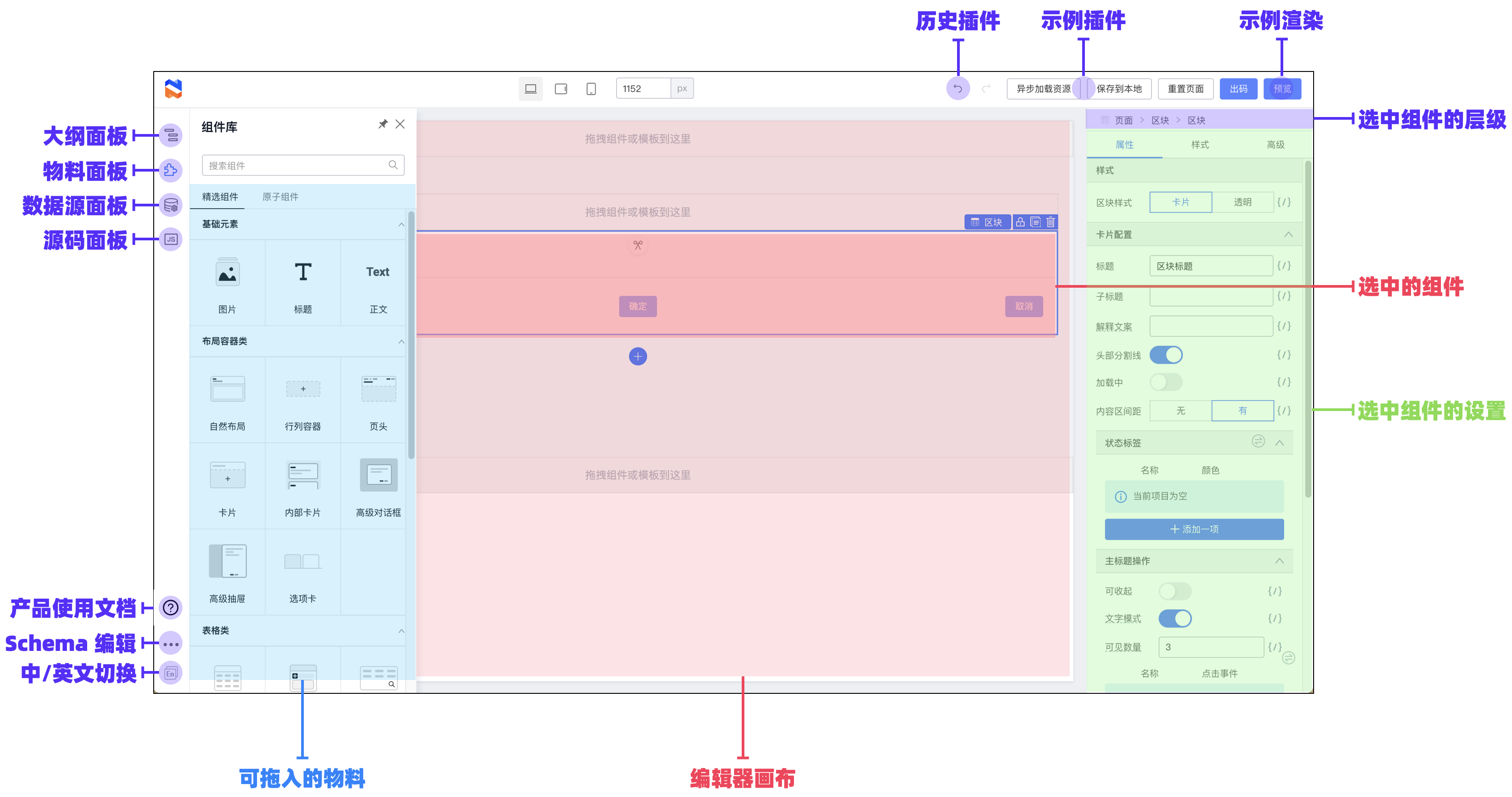
Feature overview by area
Left: panels and actions
Component panel
Search for components and drag them onto the editor canvas.

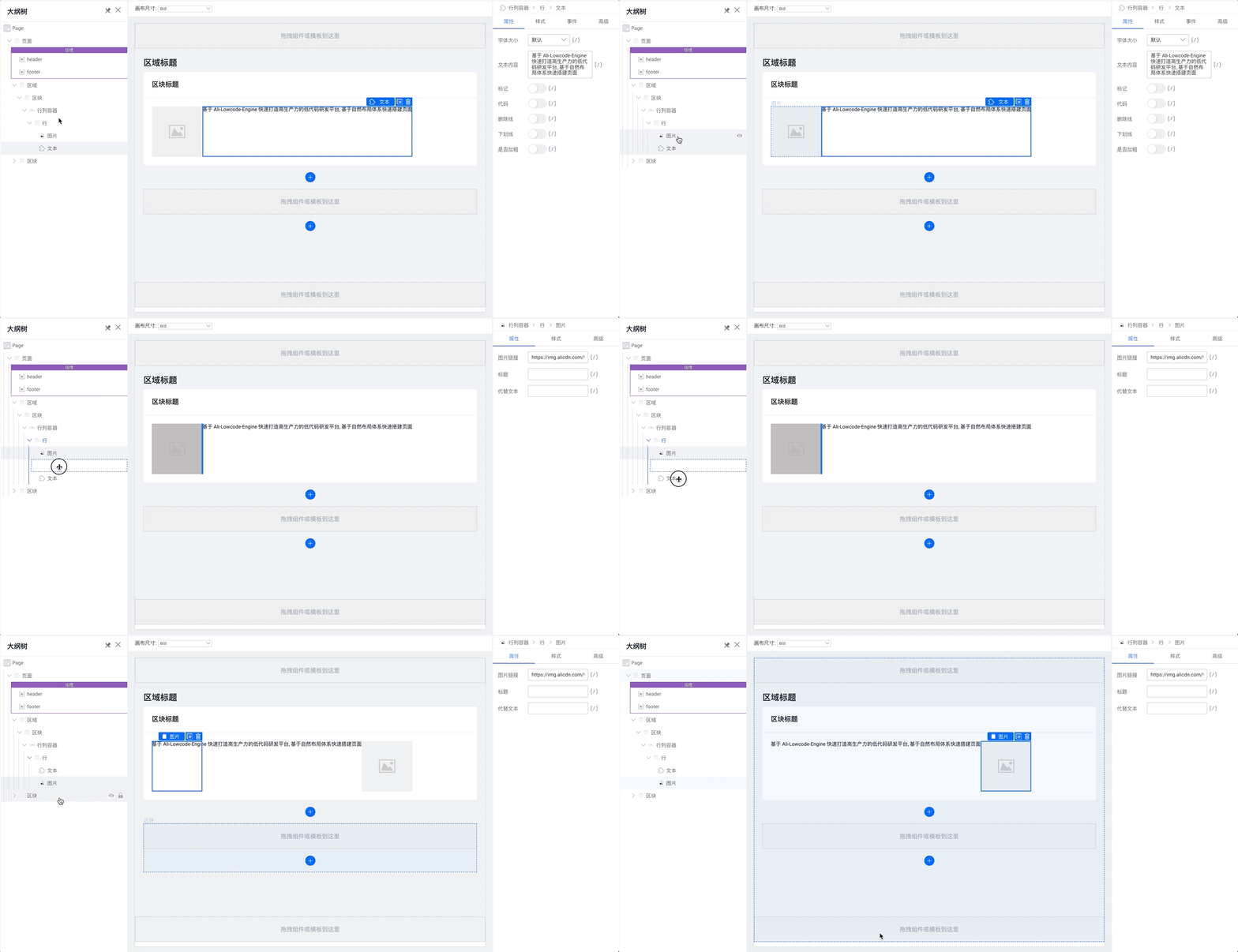
Outline panel
Adjust the component tree on the page:
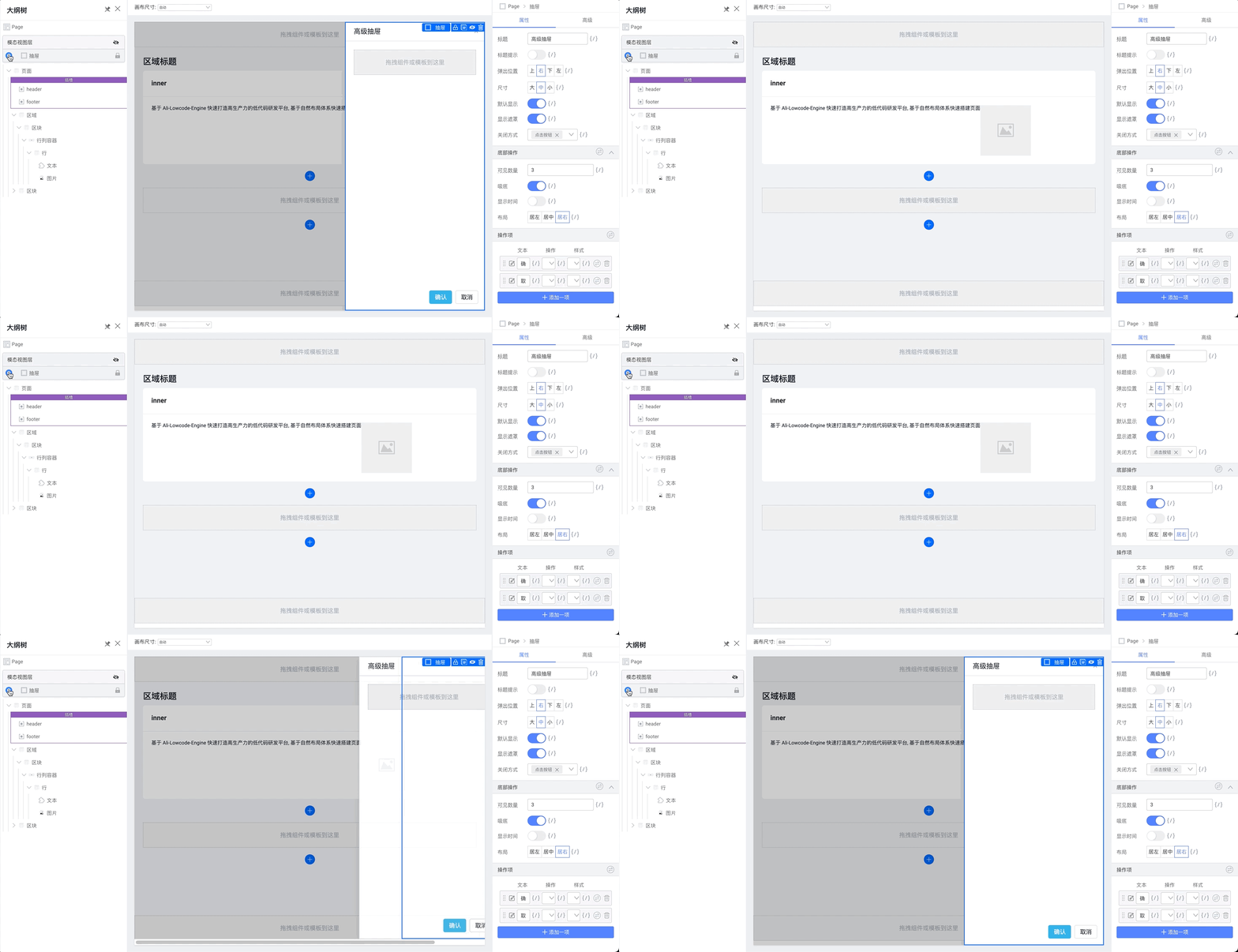
 You can show or hide modal overlays here:
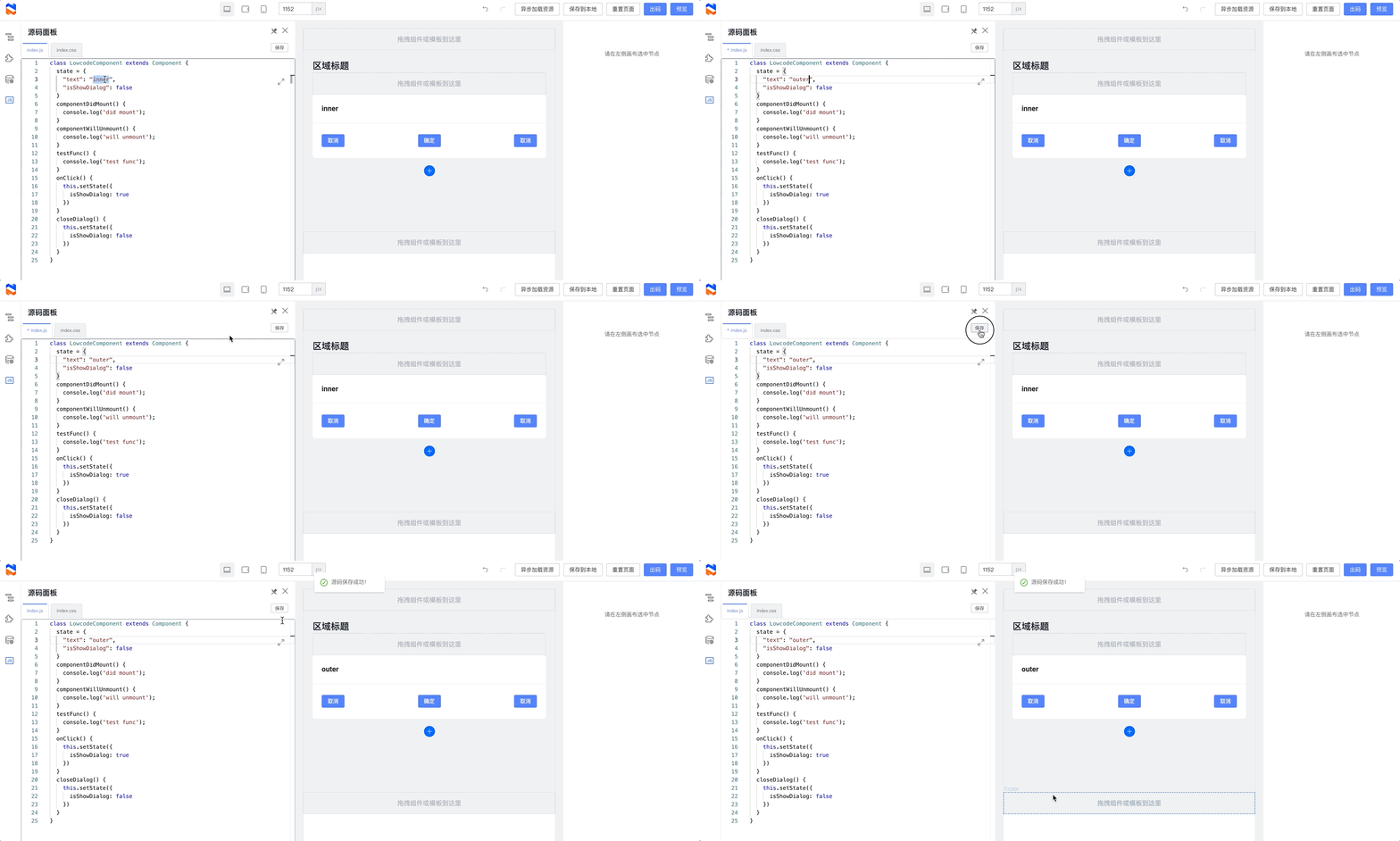
Source code panel
Edit page-level JavaScript and CSS.
Schema editor
For developers: edit the underlying Schema data for the page.
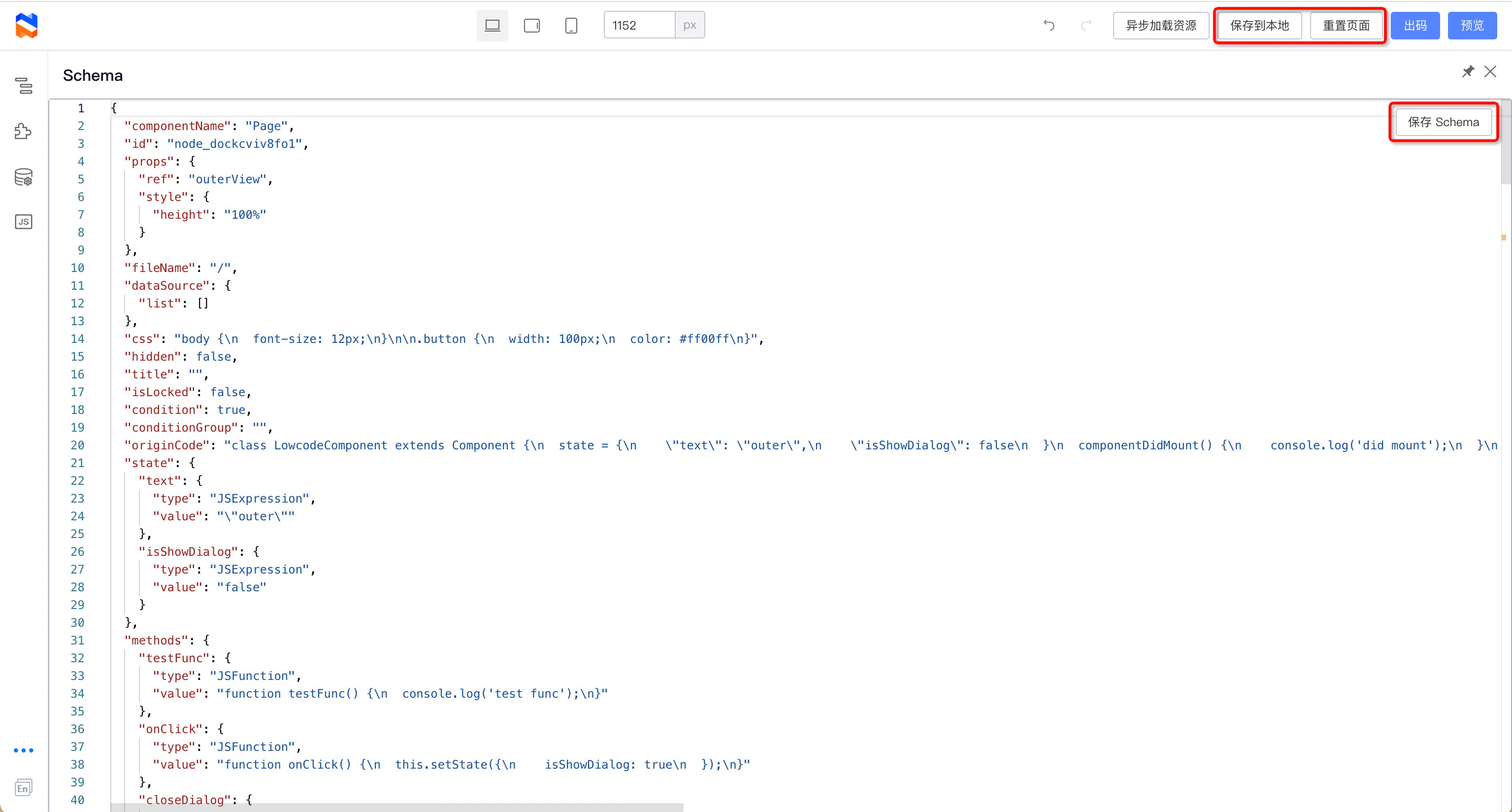 Together with Save to local and Reset page in the top toolbar, you can experiment with how different schemas affect the low-code page.
The data relationships are:
- Schema in the page: the Schema stored in the low-code engine. Clicking Save Schema in the Schema panel updates the engine value. All other engine operations may also modify the Schema.
- localStorage data: saved by Save to local and read on page init and in preview.
- Default Schema: the default Schema in the Demo project (
public/schema.json). Used on init when localStorage is empty, and when you click Reset page.
Language switch
Switch the editor language. Note: component configuration must support i18n.
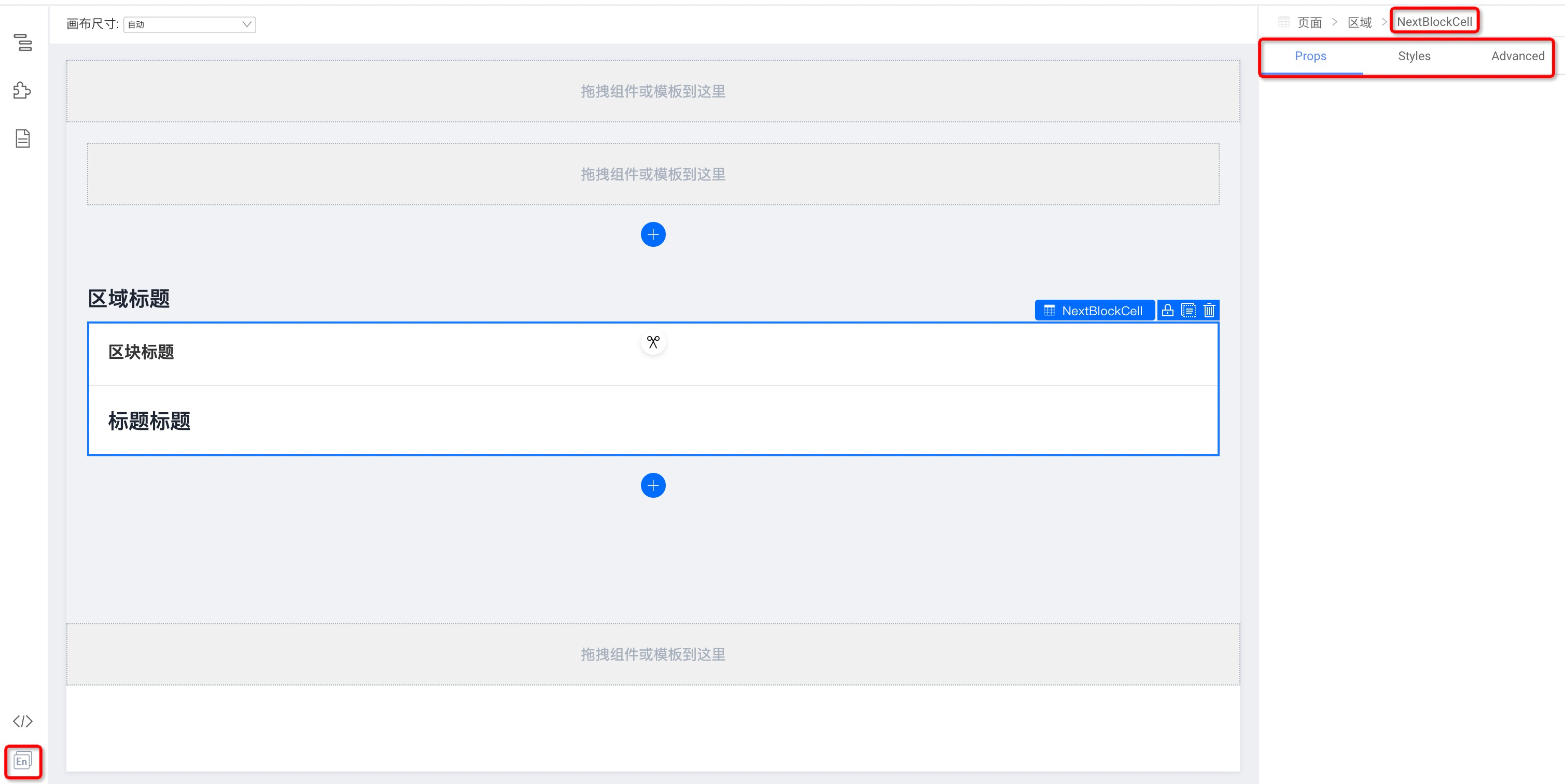
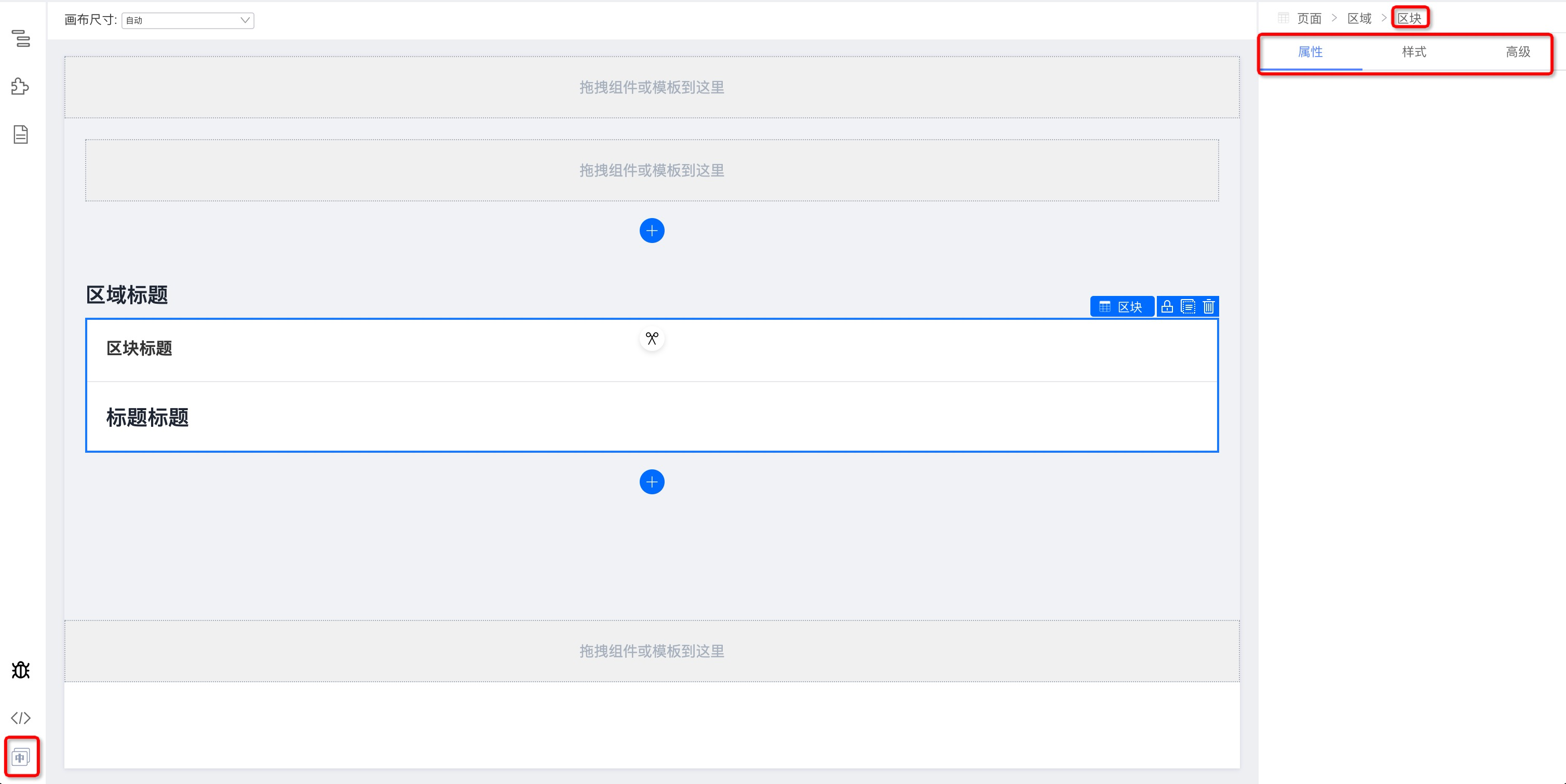
Center: visual page canvas
Click a component to show its property settings in the right panel.
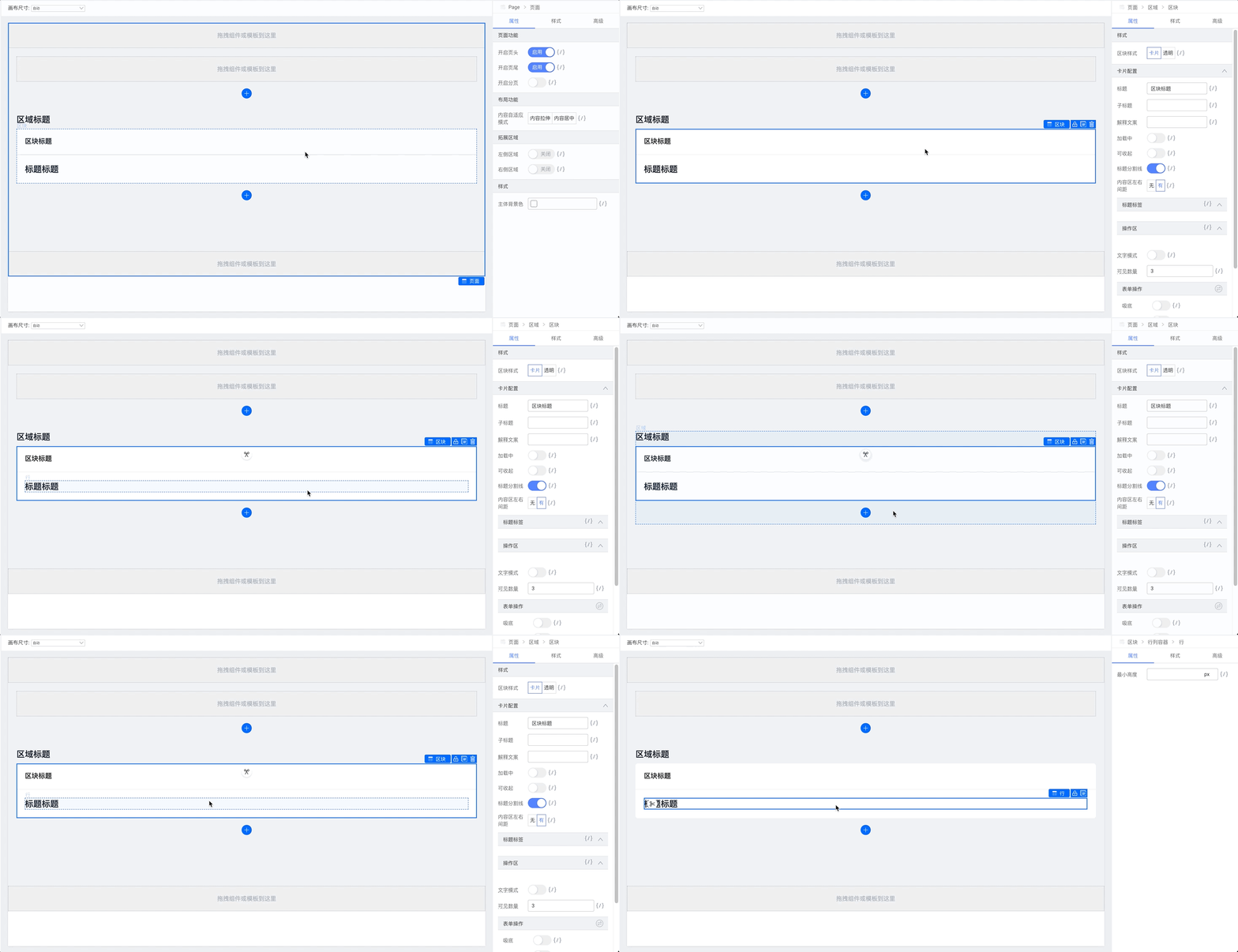
Drag to reorder components.
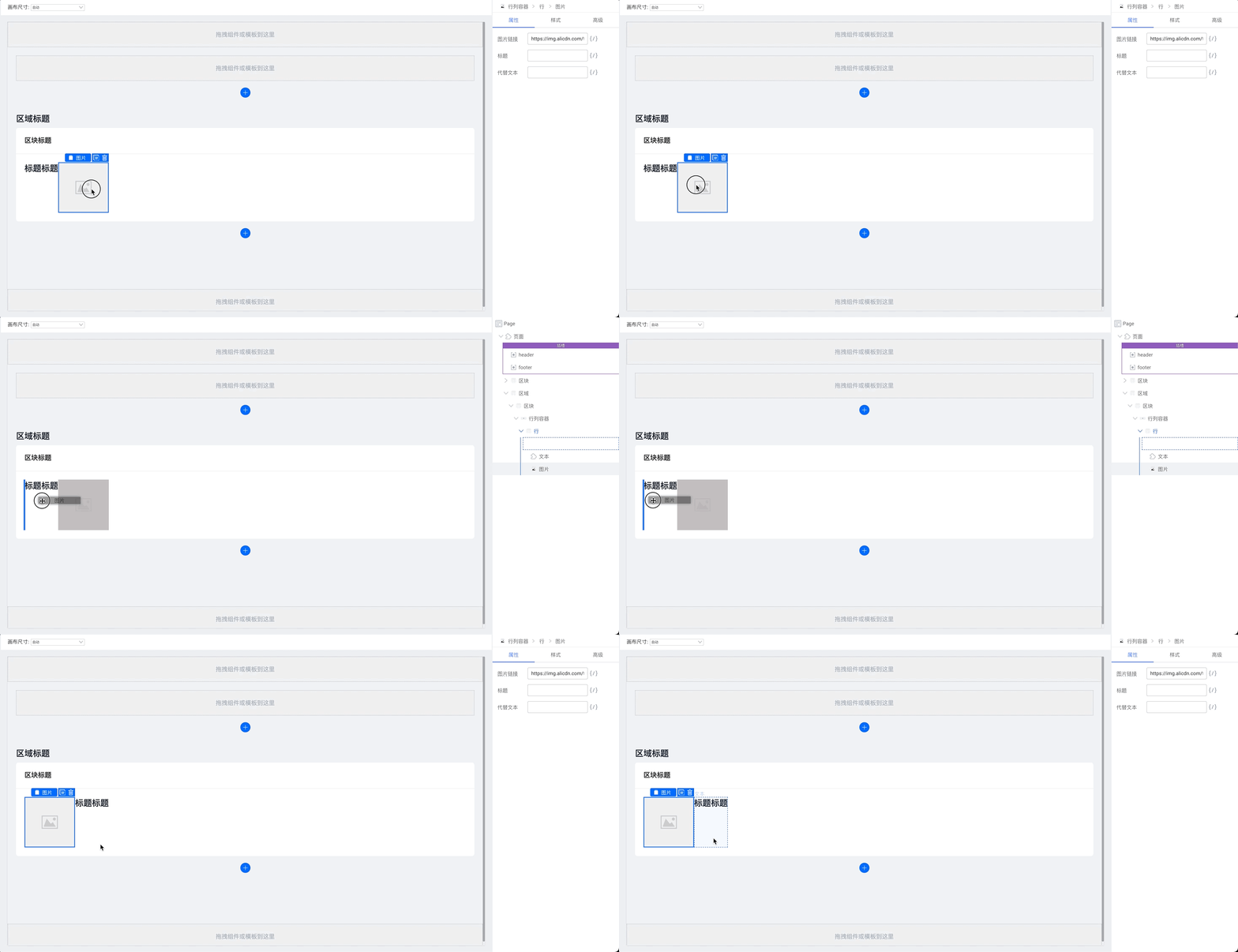
Drag components into container components. While dragging, the component tree is shown on the right.
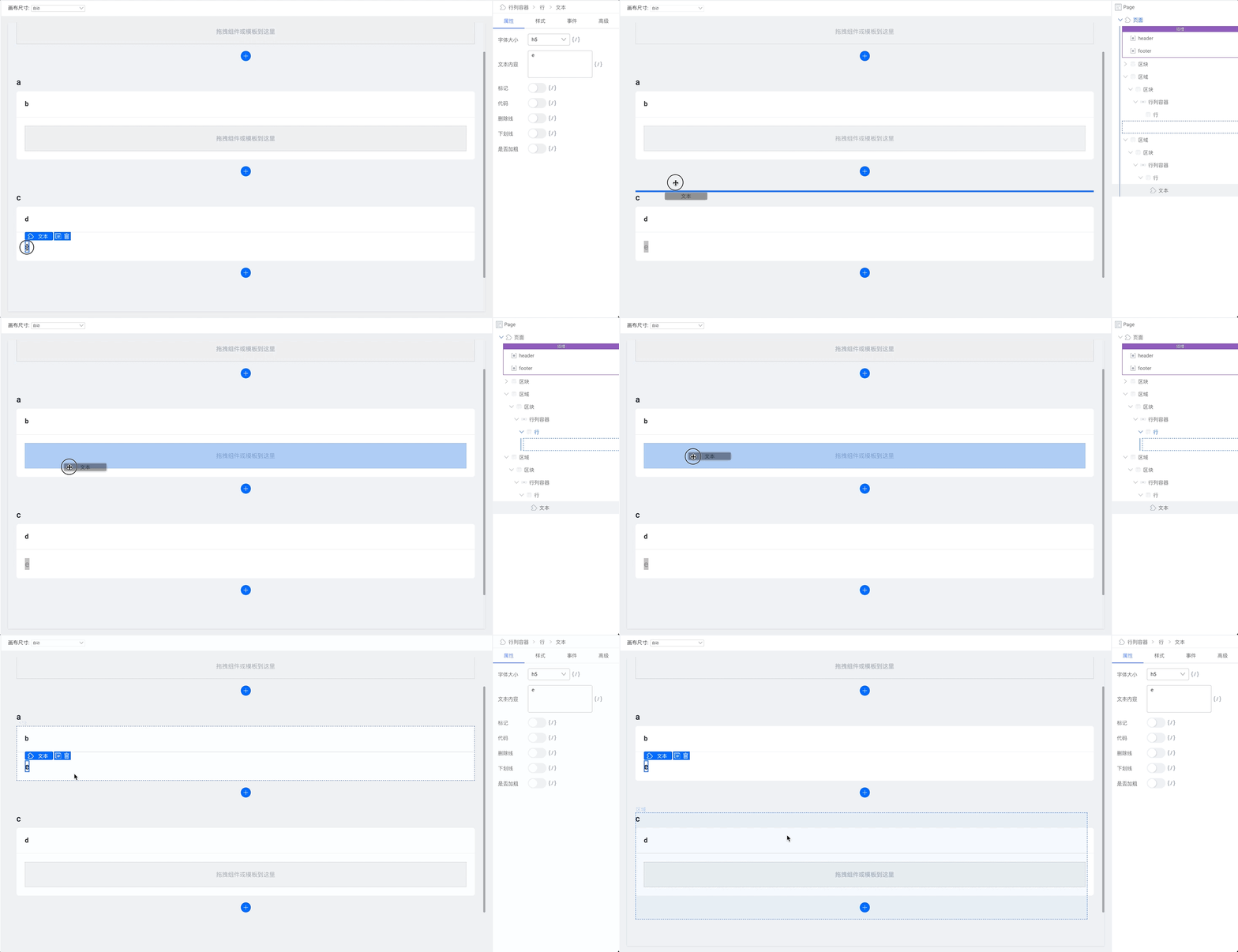
Right: component-level configuration
Selected component breadcrumb
From the page root to the current selection—click a name to select that component.
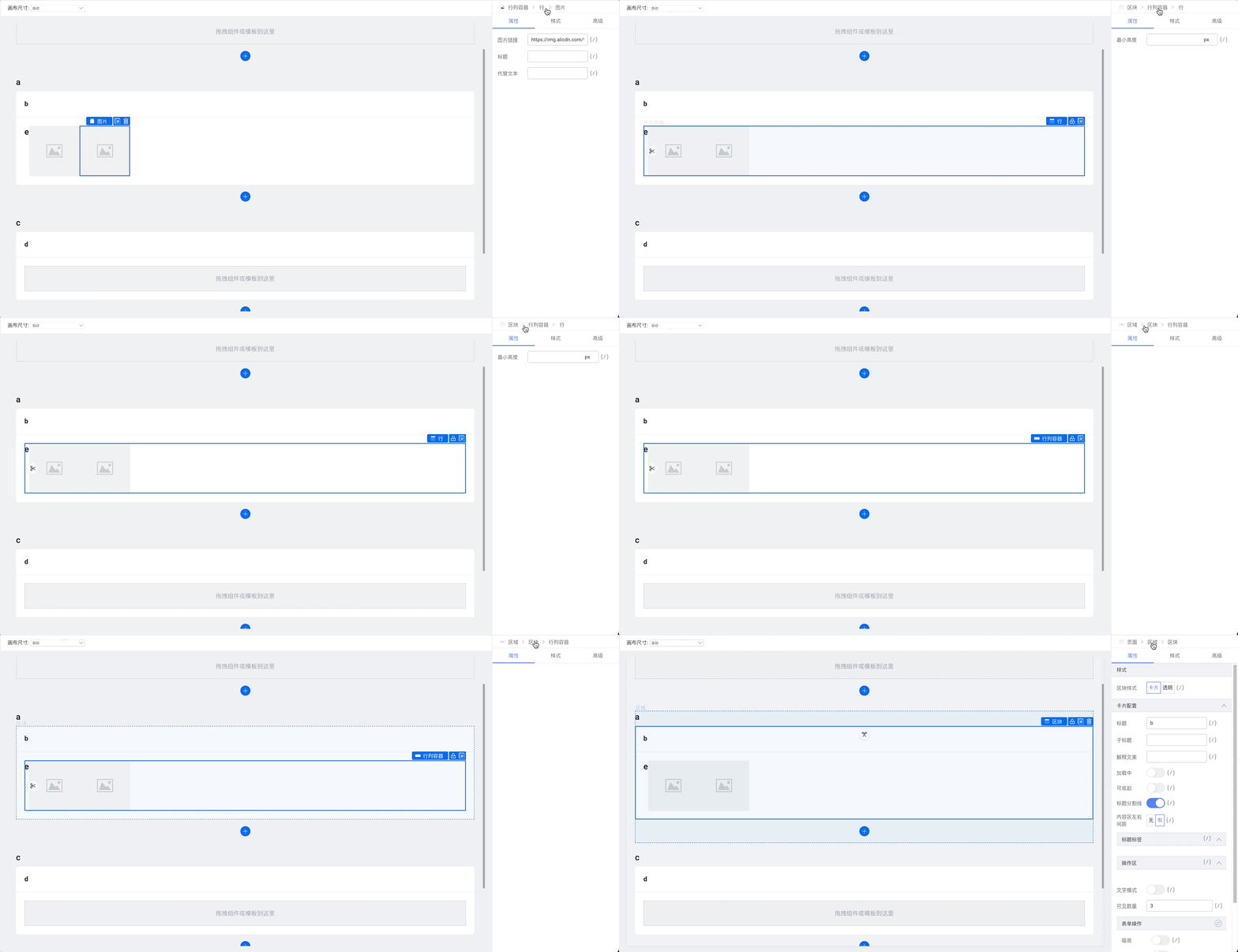
Selected component settings
Top-level tabs for the current component. Sub-tabs depend on component type:
Properties
Basic property values.

Style
Style settings, e.g. typography:

Events
Bind events exposed by the component.

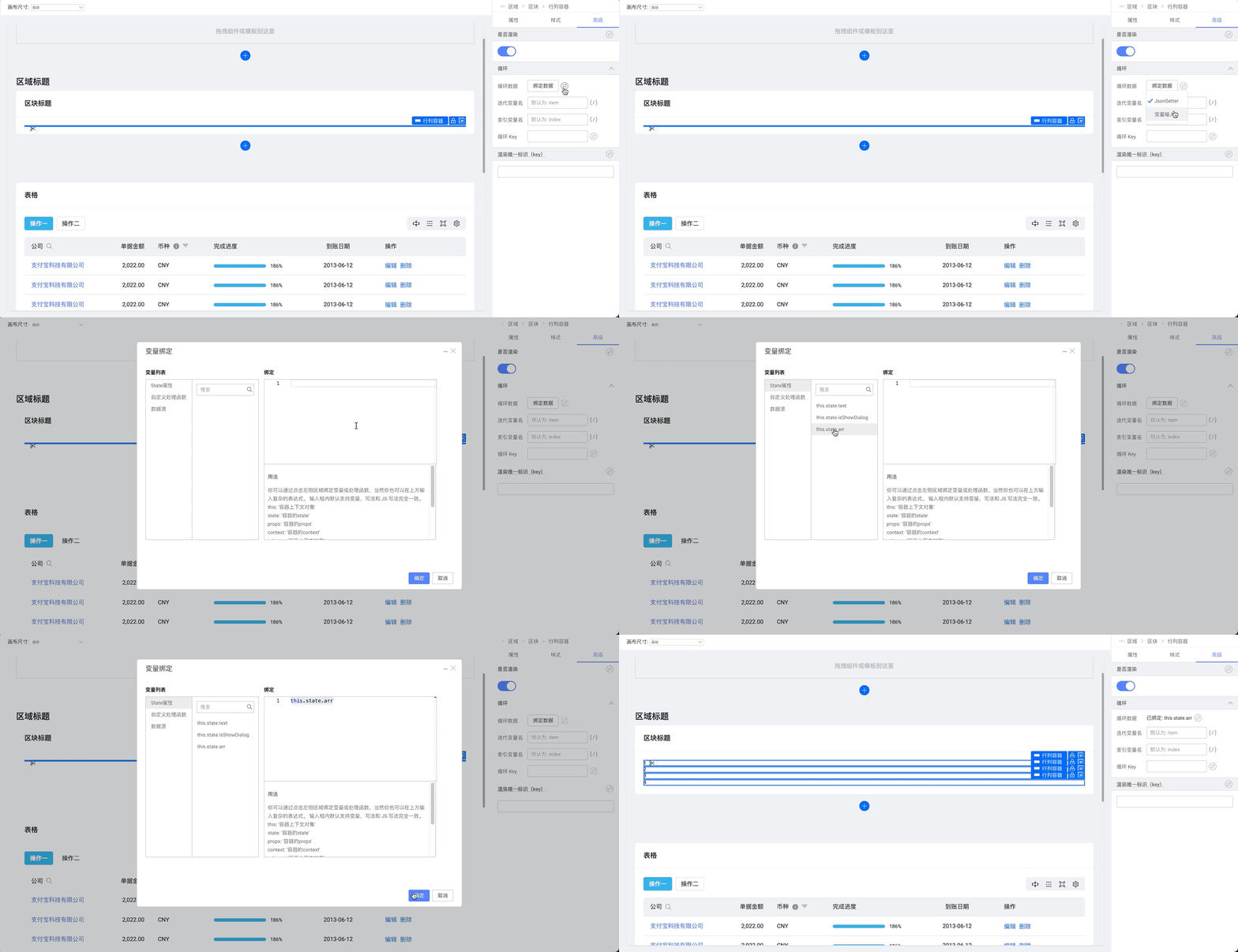
Advanced
Loop, conditional rendering, and key settings.
Top: toolbar
Undo and redo
