3. Show or Hide a Dialog from a Button
Note: This depends on whether the dialog material exposes the needed APIs. Materials differ; this guide uses the integrated dialog material.
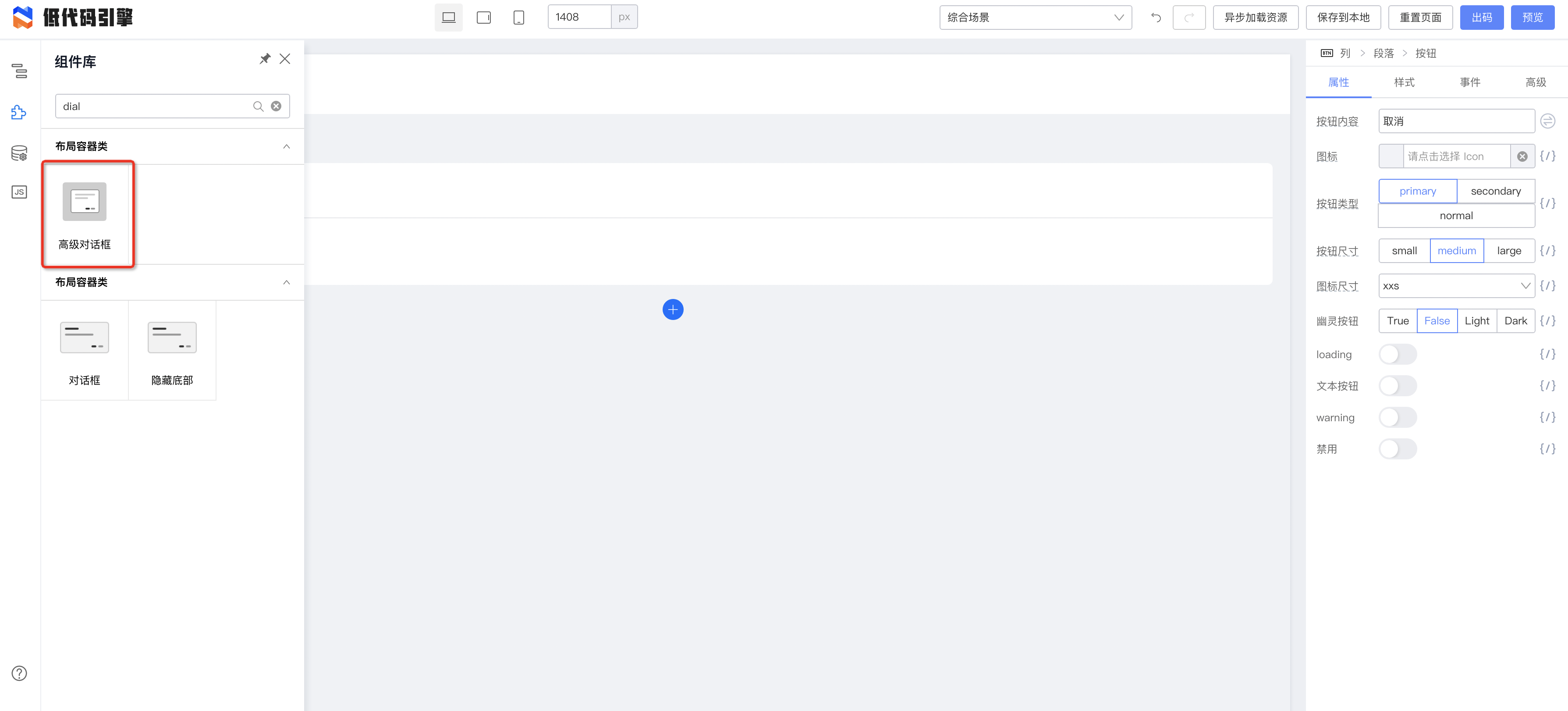
1. Drag a button

2. Drag a dialog
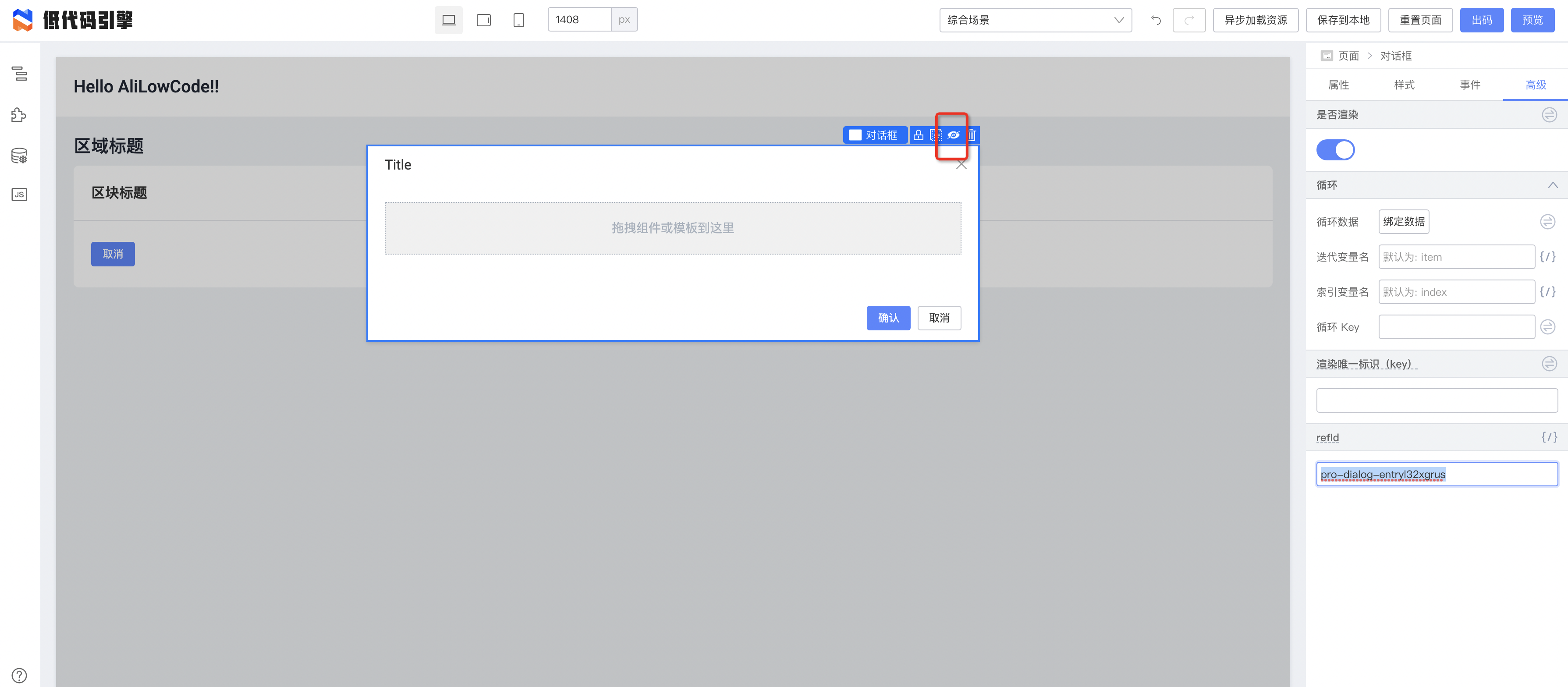
3. Find the dialog refId

- Click the dialog
- Open Advanced in the right panel
- Find refId

Here the refId is pro-dialog-entryl32xgrus.
4. Hide the dialog
Click the hide icon in the toolbar to hide the dialog on the canvas.
5. Bind a button event
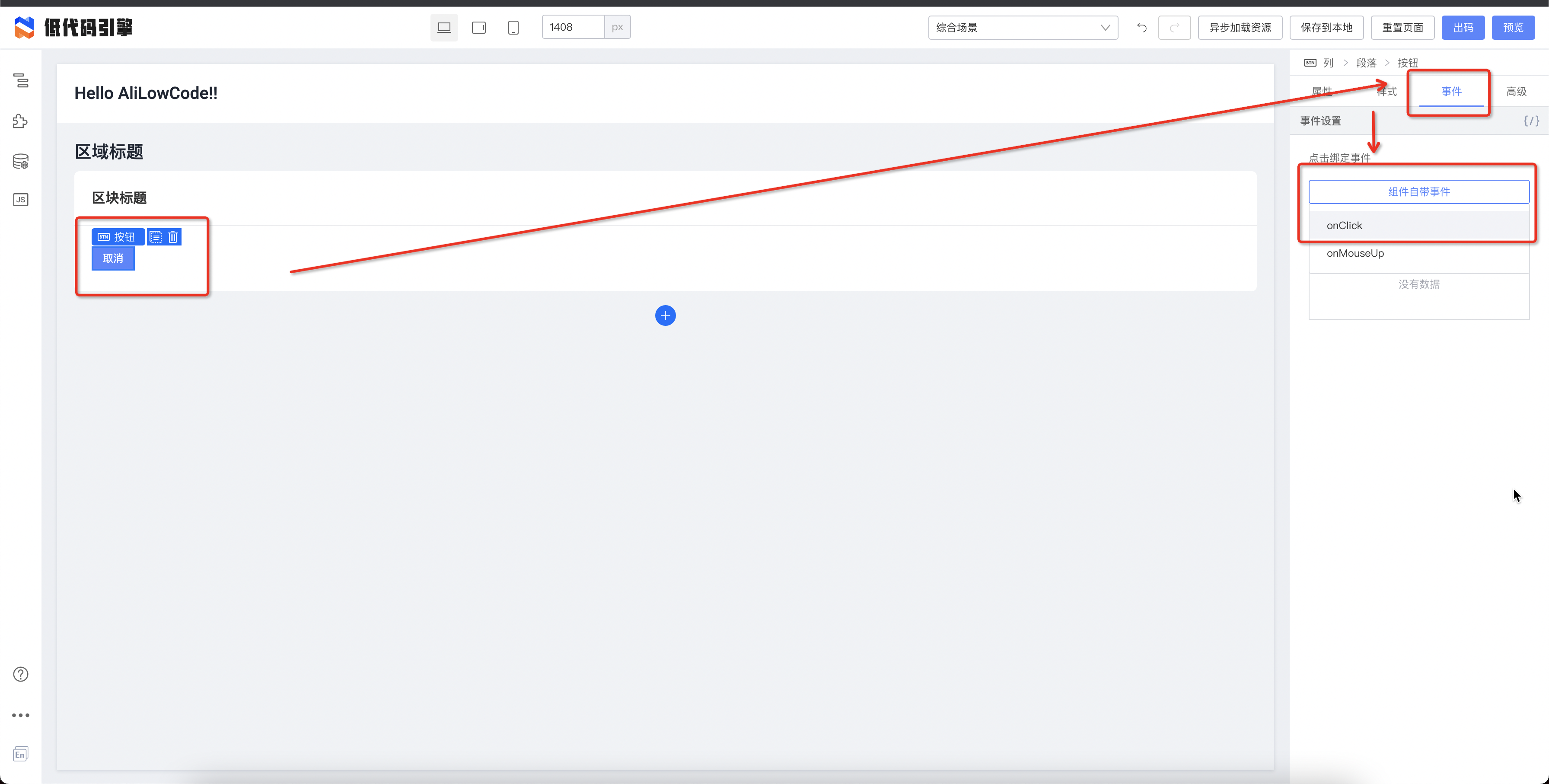
Open the dialog with:
this.$('pro-dialog-entryl32xgrus').open();