Integrating the Runtime
The low-code engine editor produces two pieces of data:
- Asset bundle data (
assets): includes material names, package names, and how to obtain them, corresponding to the Low-Code Engine Asset Bundle Protocol Specification in the protocol docs. - Page data (
schema): includes page structure, lifecycle, and code information, corresponding to the Low-Code Engine Building Protocol Specification in the protocol docs.
With these two pieces of data, you can hand them to either the renderer module or the code generation module. The difference is:
- Renderer module: uses asset bundle data, page data, and the low-code runtime, and lets maintainers continue maintaining in the low-code editor using the LowCode approach;
- Code generation module: does not depend on the low-code runtime or page data; it generates runnable code directly, and lets maintainers continue maintaining in ProCode (source code), but the low-code editor can no longer be used;
For a detailed discussion of rendering vs. code generation, see: Exploring Application Patterns of Low-Code Technology in R&D Teams
Renderer module
In the Demo, the top-right corner shows example usage of the renderer module:
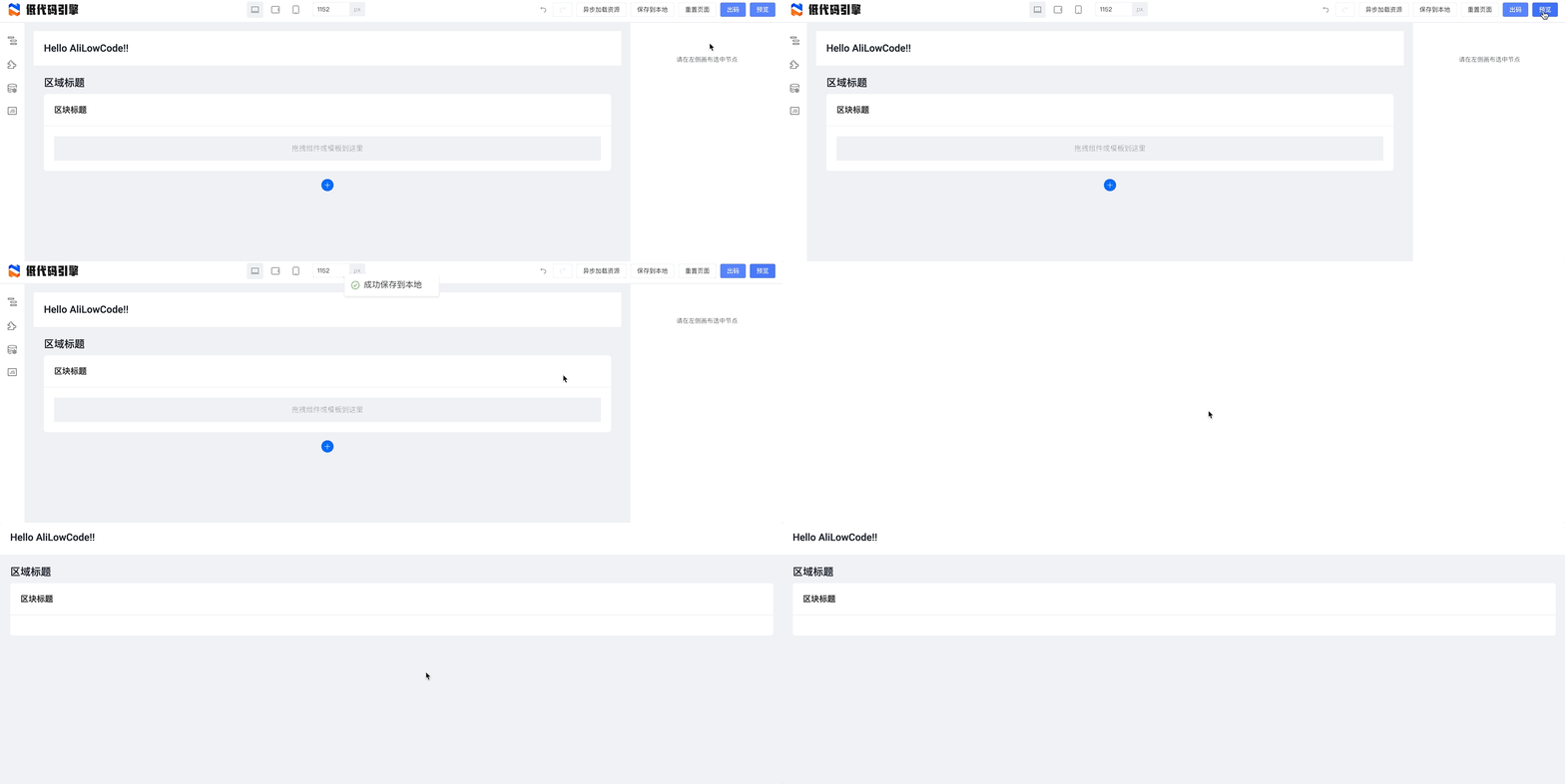
Based on the official renderer module @alifd/lowcode-react-renderer, you can render pages produced by the low-code editor in a React context.
Build data required by the renderer module
Data required by the renderer module must be transformed from editor output as follows:
schema: take the first item fromcomponentsTreein the editor'sprojectSchema, i.e.projectSchema.componentsTree[0];components: based on the asset bundleassetsproduced by the editor, load all dependent asset bundles according to thecomponentsMapdeclared inprojectSchema, then obtain asset bundle instances and build a material-to-asset-bundle key-value mapcomponents.
You can refer to src/preview.tsx in the demo project:
async function getSchemaAndComponents() {
  const packages = JSON.parse(window.localStorage.getItem('packages') || '');
  const projectSchema = JSON.parse(window.localStorage.getItem('projectSchema') || '');
  const { componentsMap: componentsMapArray, componentsTree } = projectSchema;
  const componentsMap: any = {};
  componentsMapArray.forEach((component: any) => {
    componentsMap[component.componentName] = component;
  });
  const schema = componentsTree[0];

  const libraryMap = {};
  const libraryAsset = [];
  packages.forEach(({ package: _package, library, urls, renderUrls }) => {
    libraryMap[_package] = library;
    if (renderUrls) {
      libraryAsset.push(renderUrls);
    } else if (urls) {
      libraryAsset.push(urls);
    }
  });

  const vendors = [assetBundle(libraryAsset, AssetLevel.Library)];

  const assetLoader = new AssetLoader();
  await assetLoader.load(libraryAsset);
  const components = await injectComponents(buildComponents(libraryMap, componentsMap));

  return {
    schema,
    components,
  };
}
Render
After you have schema and components, you can render the page with asset bundle data and page data:
import React from 'react';
import ReactRenderer from '@rchh/lowcode-react-renderer';

const SamplePreview = () => {
  return <ReactRenderer schema={schema} components={components} />;
};
Note 1: Rendering here depends on React. For Vue-based rendering or editor support, see the related announcement.
Note 2: A more complete version of this example is in the Demo code: https://github.com/alibaba/lowcode-demo/blob/main/demo-general/src/preview.tsx
Code generation module
In the Demo, the top-right corner shows example usage of the code generation module:

A more complete version of this example is in the code generation plugin: https://github.com/alibaba/lowcode-code-generator-demo
Overview of low-code production and consumption
After "Integrating the Editor" and "Integrating the Runtime", we can see the production and consumption flow built by low-code. It is summarized below:

As shown above, you generally need a backend project to persist page data. If asset bundle information is dynamic, you also need to persist asset bundle information.